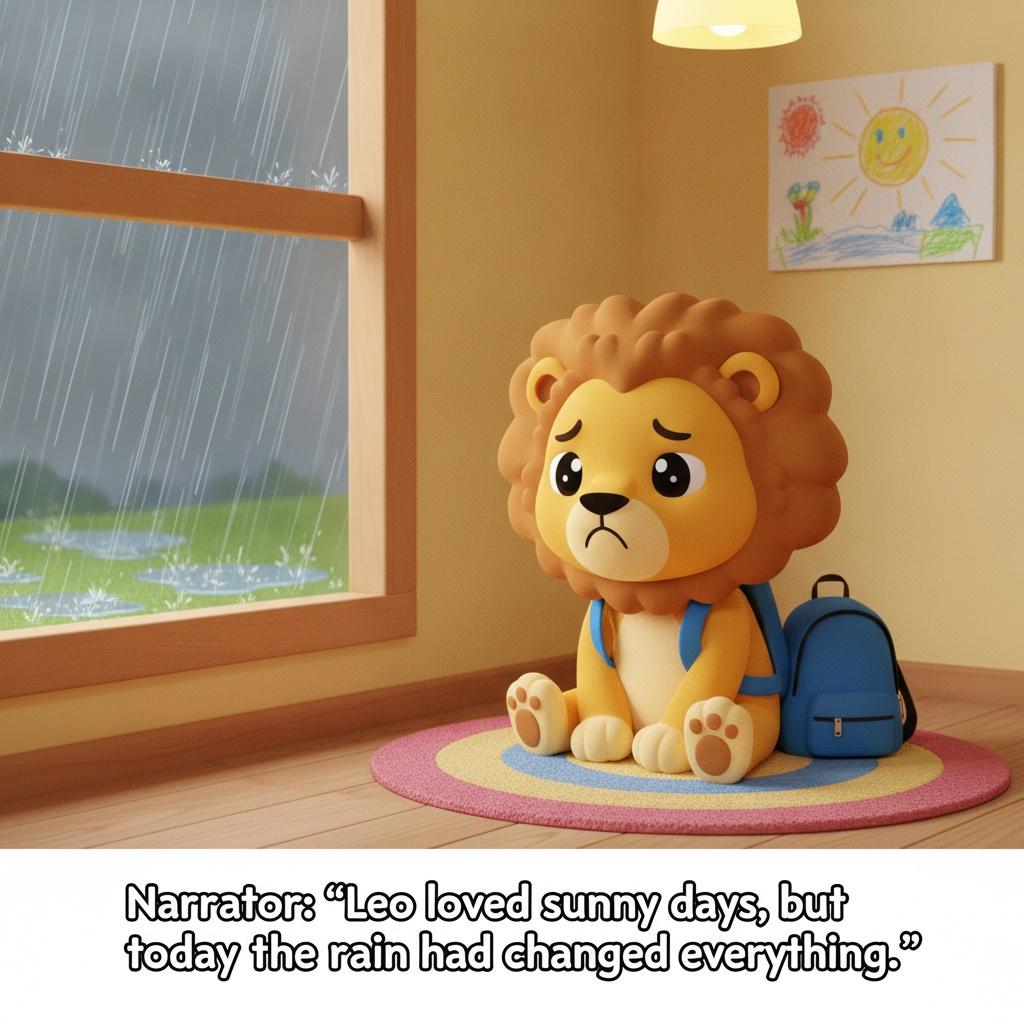
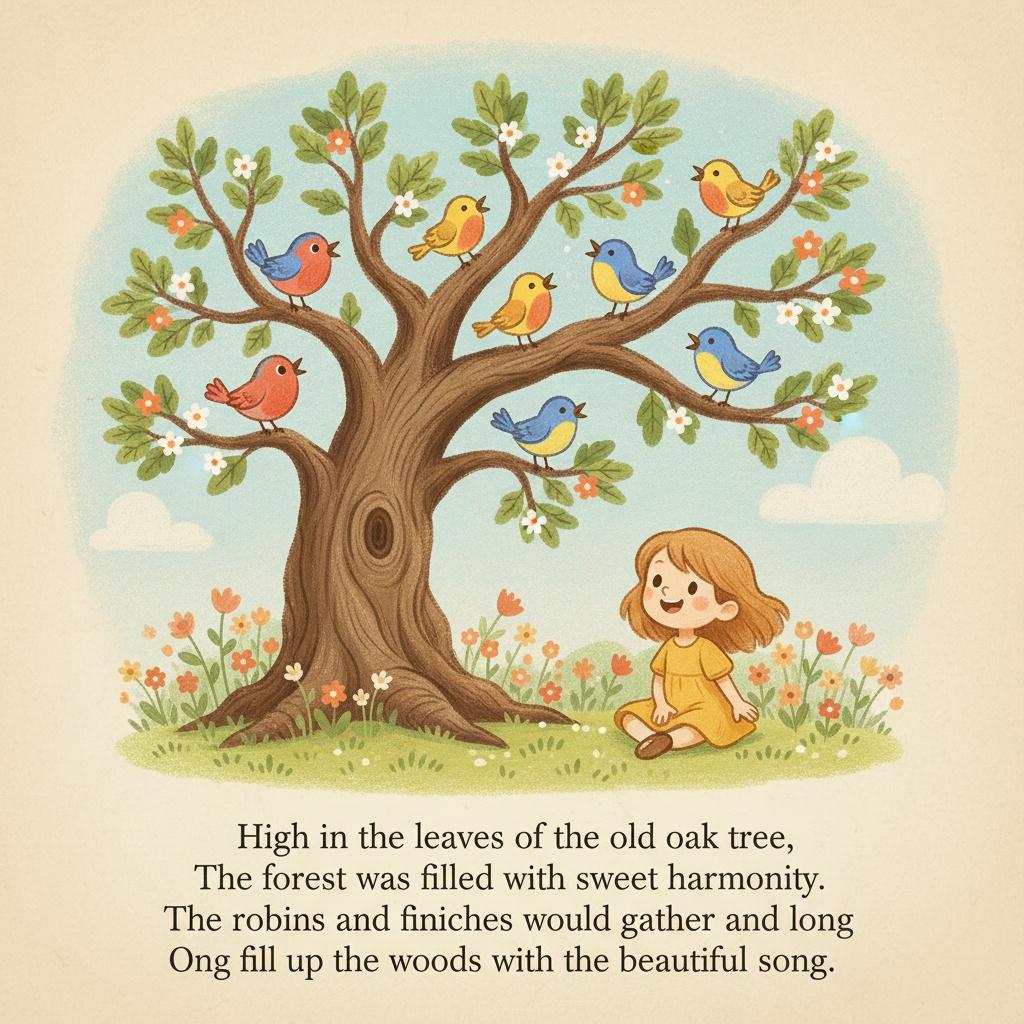
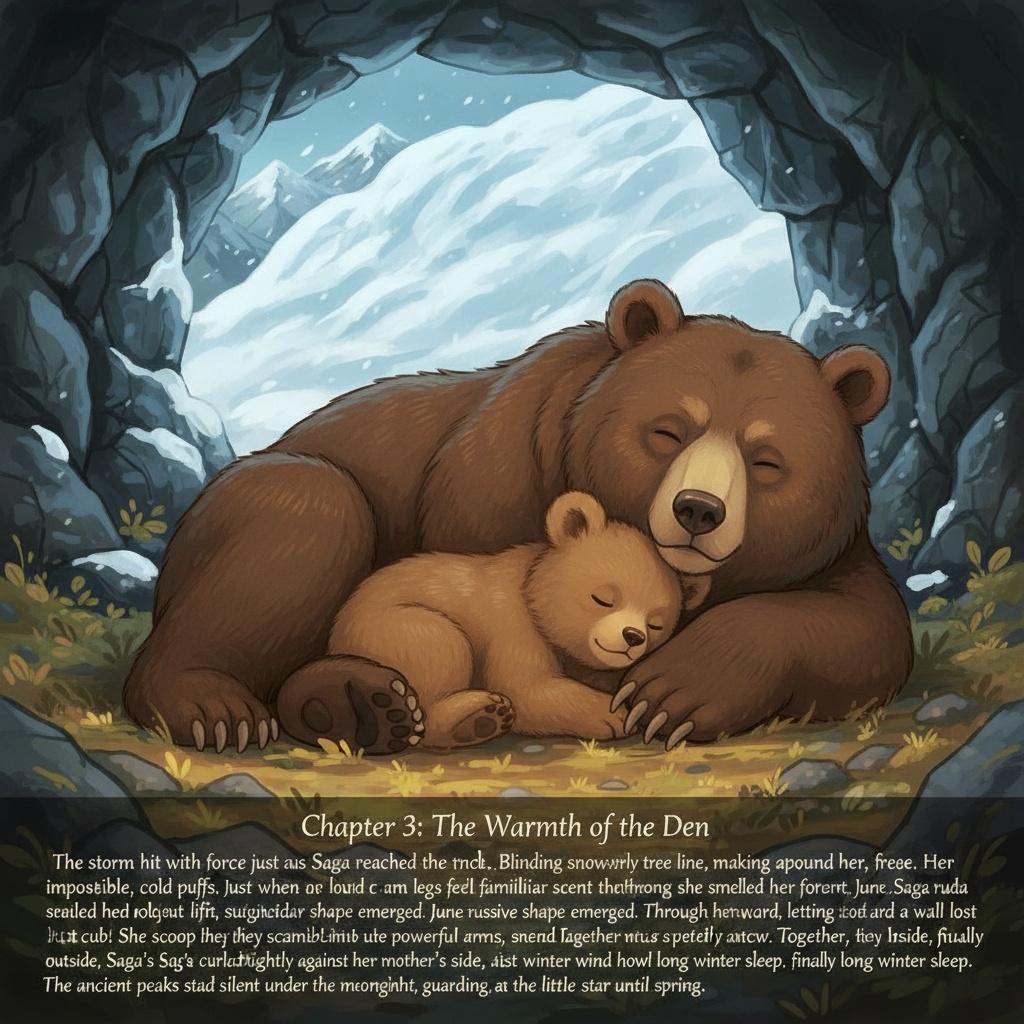
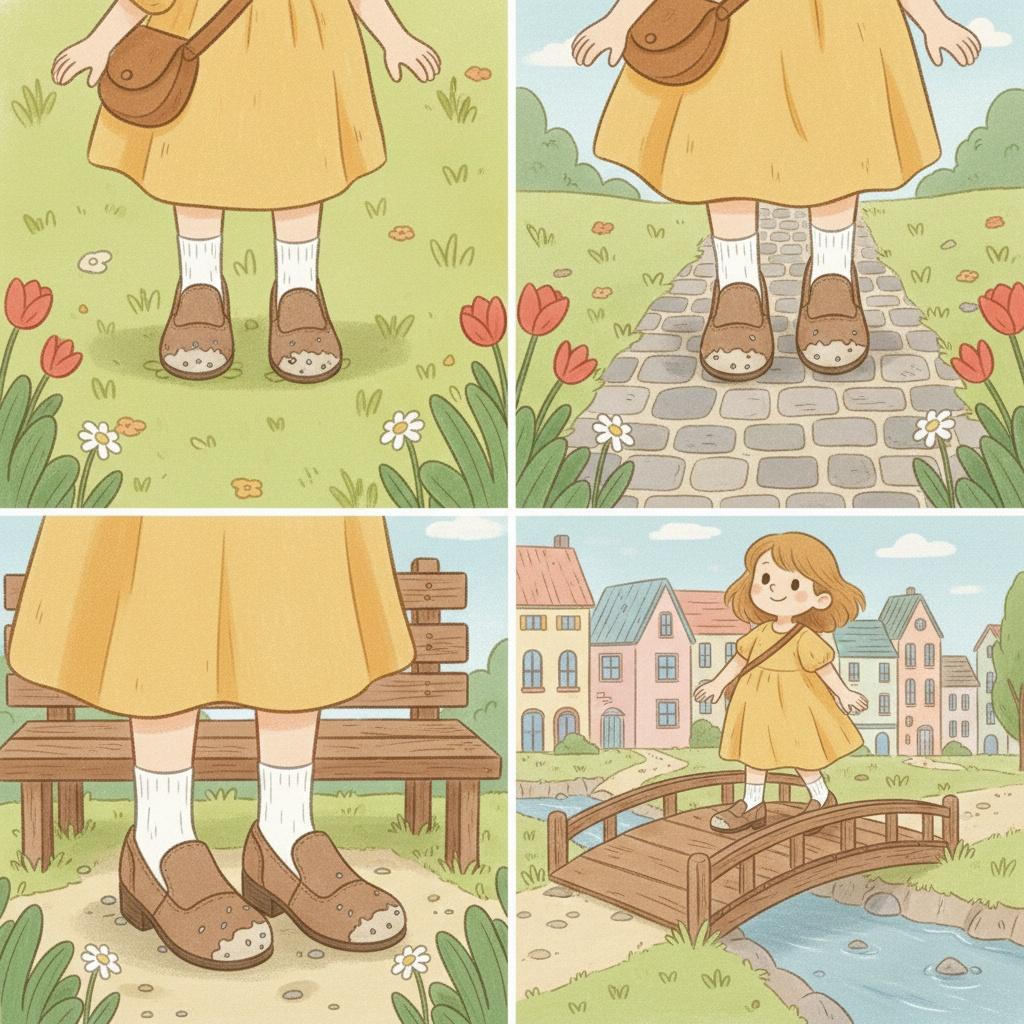
To begin formatting your children’s picture book, upload your own images and text. Each page will be carefully crafted to balance visual storytelling with readable, engaging text. Place each illustration on a separate page, ensuring enough white space around the edges to avoid crowding. Align the text in large, easy-to-read font beneath or beside the image, depending on the composition. Paginate each spread in the bottom corner, using a consistent style and size for clarity.
Start by selecting the image for each page and uploading it. Once uploaded, review the visual flow—images should guide the reader’s eye naturally from left to right, maintaining a clear narrative sequence. Avoid placing important visual details near the page fold. If you have double-page spreads, ensure the artwork aligns seamlessly across both pages.
After images are set, add your chosen text. Use brief, age-appropriate sentences or rhymes that complement the illustration. Keep paragraphs short and font size large enough for easy reading. Position the text where it does not cover main characters or action—usually at the bottom or in open sky/ground areas. Check that the text and images work together to tell a cohesive story.
For pagination, number each page in a consistent corner—usually bottom right for right-hand pages and bottom left for left-hand pages. Choose a font and size that match your book’s style but remain easy to find. Double-check that numbers are sequential and match your table of contents if included.
Once all images and text are placed and paginated, review each page for balance and readability. Ensure illustrations are vivid and engaging, and text is clear and free of errors. Flip through the mockup to check the pacing, making sure the story flows smoothly from beginning to end.
Your children’s picture book is now perfectly formatted and paginated! Save your project in both print-ready and digital formats. You’re ready to share your story with young readers, knowing the images and text are beautifully aligned for an engaging experience.