Storyboarding — Visualize your story scene by scene—before you film. | Story.com
AI Storyboarding is an AI storyboard generator and storyboard creator that transforms scripts into professional visual storyboards for film pre-production planning. This AI storyboarding tool automatically generates storyboard frames with camera angles, composition, and scene-by-scene visualization—perfect for film directors, video creators, animators, and production teams. No drawing skills or artistic experience required to create production-ready storyboards for your next project.
Storyboarding

Find the perfect style or upload your own
Click a style to see the list of sub-styles
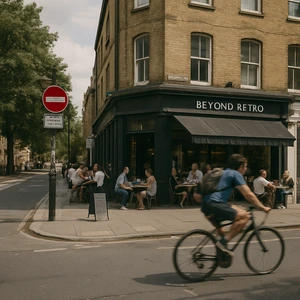




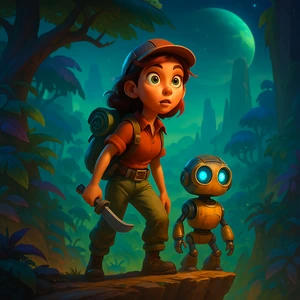
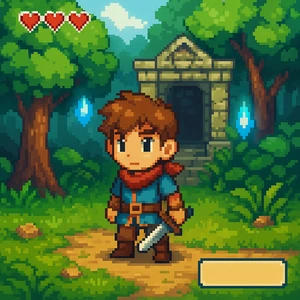
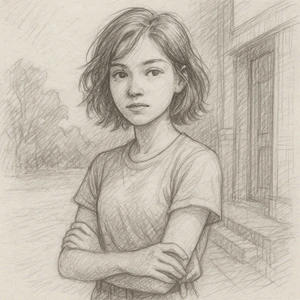

How it works
Visualize your story scene by scene—before you film. Storyboarding is a powerful way to plan your narrative visually, mapping out each scene with precision. Perfect for directors, creators, and storytellers who want to see their vision— before production begins . No artistic skills required—just your creative ideas transformed into professional storyboards.

Start with your script.
Upload or write your narrative.
Begin with your story idea or full script. Our AI analyzes your narrative and breaks it down into visual scenes.

AI generates storyboards.
Watch your scenes come to life.
Each scene is transformed into a detailed storyboard frame, complete with composition, camera angles, and visual notes.
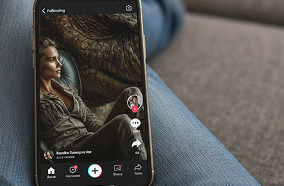
Refine and share.
Edit and collaborate on your vision.
Fine-tune your storyboards, add notes, and share with your team. Export for production or move directly to video creation.
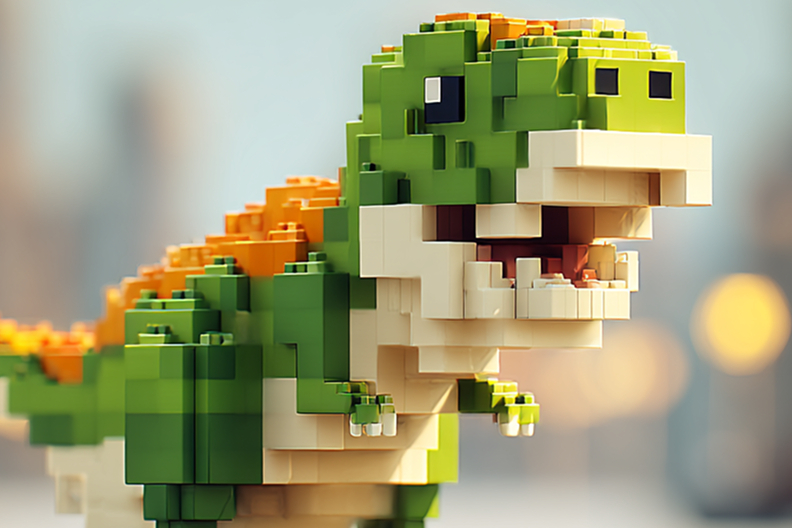
Visualize your story scene by scene before you film. Storyboarding is the professional way to plan narratives, map camera angles, and collaborate with your team. No drawing skills required—just describe your vision and watch it transform into production-ready storyboards.
Scene-by-Scene Visualization
Transform scripts into visual storyboards instantly. Our AI understands narrative structure, camera movements, and visual composition to create professional storyboard frames that capture your creative vision perfectly.
Production-Ready Exports
Export storyboards for your team or move directly to video production in Studio. Seamlessly transition from planning to creation with frame-perfect control and professional editing tools.
Used by more than 1 million Story.com users
Start with an idea, shape the story and scenes, then use pay-per-use credits when the project is worth taking into richer generation.
Story.com users
Before media
Pay per use
Trusted by some of the world's most recognizable brands.
Trusted by Leading Entertainment and Media Companies



Frequently Asked Questions
Storyboarding is the pre-production process of creating a visual outline of a film or video, scene by scene. Each storyboard panel shows camera angles, character positions, movements, and key visual elements. It's like a comic book version of your script, helping directors, crews, and stakeholders visualize the final product before filming begins.
Storyboarding saves time and money during production by:
- Planning every shot in advance so crew knows exactly what to film
- Identifying pacing or story issues before expensive filming
- Ensuring the team shares the same visual vision
- Reducing wasted time on set figuring out shots
Professional productions always storyboard.
AI Storyboarding uses artificial intelligence to generate professional storyboard frames from your script automatically. You write scene descriptions, and the AI creates visual panels showing camera angles, character positions, and composition - no drawing skills required. It's faster and more affordable than hiring storyboard artists.
No. AI Storyboarding requires zero drawing ability. You write scene descriptions (e.g., 'Wide shot of hero entering dark warehouse, camera low angle'), and the AI generates professional storyboard frames. Traditional storyboarding required artistic skill or expensive artists - AI eliminates that barrier.
Still have questions? Reach out to our creator support team—we'll tailor guidance to your project.
↳ Get in touchWays to keep building after Storyboarding
Move into the next creative job: write the source story, plan the shot sequence, generate scenes, refine the cut, or build a reusable character.